Most UK practices now use AI in some form. RIBA's AI Report 2026 puts the share at 74%, up from 59% in 2025 (RIBA news release). The Construction Industry Council published RIBA's figures on 23 July 2026. The CIC page reports that only 17% of respondents agree their designs are better because of AI.
One practical difference between tools is what they give you back. Some AI tools return walls, openings and dimensions you can keep editing. Others return a picture you then redraw. Most "best AI tools" lists mix the two.
This list sorts eight tools by output first. For each one you get the job it suits and what comes out. You also get where it runs, which file formats the vendor names and the listed price. A shorter section covers the AI already built into Archicad, Revit and SketchUp. All tool facts come from vendor pages checked on 29 September 2026.
Key takeaways
- Sort AI tools by output before features. Editable geometry saves drafting time. An image saves presentation time.
- For early layouts, Forma, Snaptrude, TestFit, Finch and Synaps return geometry you can keep working on.
- For visuals, Veras, D5 Render and Midjourney return images. You still draw the building elsewhere.
- Check the AI already in your licence. Archicad, Revit and SketchUp all include AI features, some in beta or preview.
- Test any tool on one live project and one real file handoff before you pay for seats.
Synaps publishes this article and appears on the list. The selection method and that disclosure are explained near the end.
Why AI adoption figures range from 6% to 98%
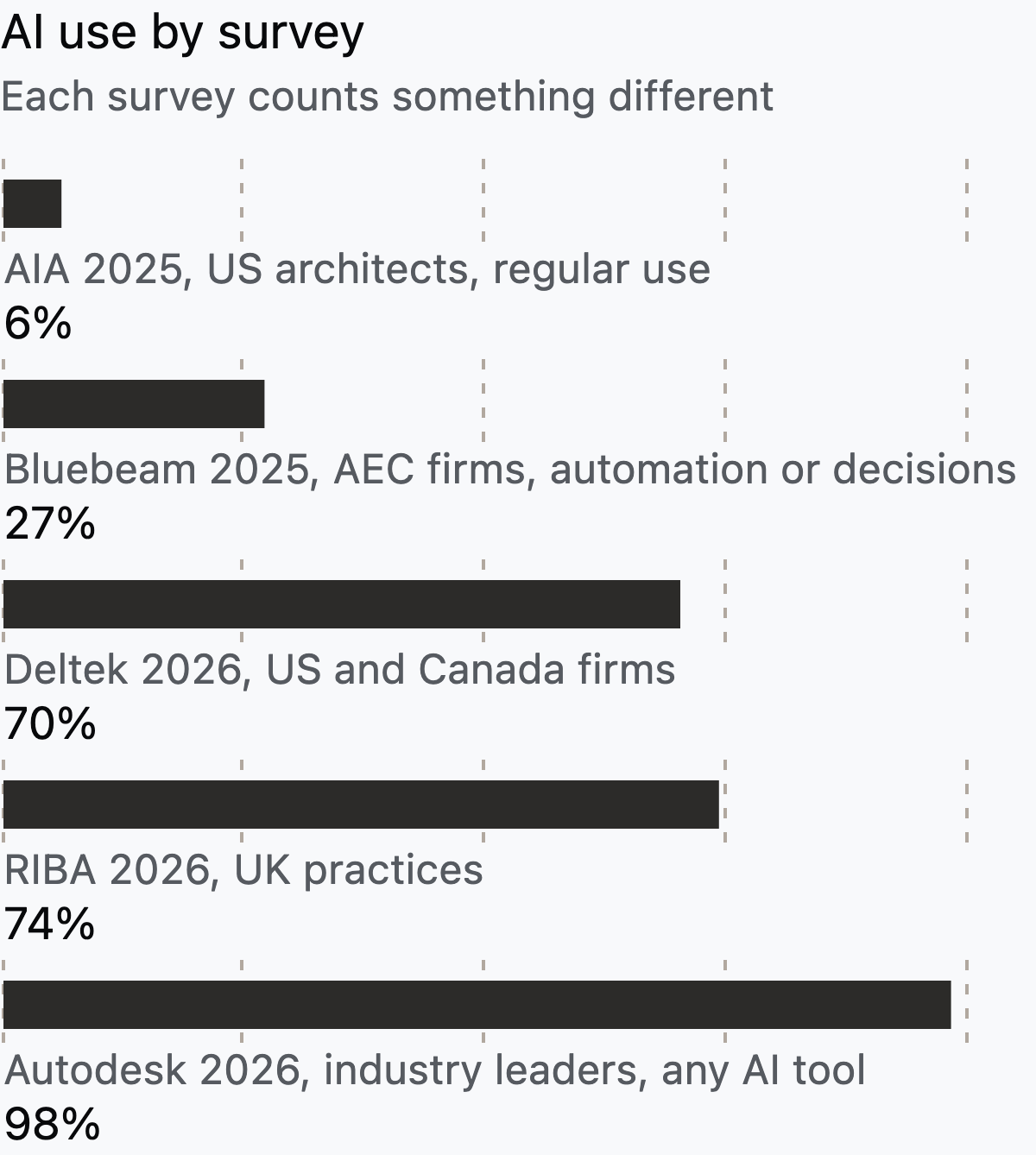
Surveys of AI in architecture disagree because each one measures something different. Some count individuals who use AI regularly. Others count any firm where anyone has tried a tool.
AIA's March 2025 research found that only 6% of US architects use AI regularly, while 53% were experimenting (AIA). Bluebeam surveyed over 1,000 AEC managers in five countries in July 2025. It found that 27% of firms use AI for automation, problem-solving or decisions (Bluebeam).
Deltek's 2026 Clarity study of 896 US and Canadian firms found 70% using AI, up from 53%. Only 38% saw a measurable positive impact (Deltek). Autodesk's AI Pulse survey of 2,500 leaders found 98% using at least one AI tool. That sample covers three industries, not only architects (Autodesk). Bluebeam, Deltek and Autodesk all sell software, so read their figures as vendor-published.
For a small practice, the RIBA split by size is the useful one. More than 90% of practices with 50 or more staff use AI on at least some projects. The figure is 84% for medium practices and 63% for small ones, according to Beale and Co's summary of the RIBA report.
Tools that give you editable plans and models
These five tools return geometry you can select, measure and change. That matters most in schematic design, when the layout still moves every week.

1. Autodesk Forma Site Design: best for site and massing studies

Forma Site Design sets up a site from contextual data, then lets you test massing. Autodesk describes the tool's analyses as AI-powered and lists sun hours and total carbon among them. Forma is the next evolution of Spacemaker, Autodesk's earlier site analysis product.
Output: editable massing and analysis results in the browser. Autodesk says a proposal goes to Revit as a geolocated native Revit model. It also lists IFC and OBJ support, plus Rhino and Dynamo connections.
Best for: practices already on Revit that want early site decisions in the same data chain. Available site data varies by country.
Price: $85 a month, $700 a year or $2,100 for three years, with a 30-day trial. Autodesk's page also shows the yearly plan as starting at $59 a month (Autodesk). It is also part of the AEC Collection.
2. Snaptrude: best for a BIM model from a brief
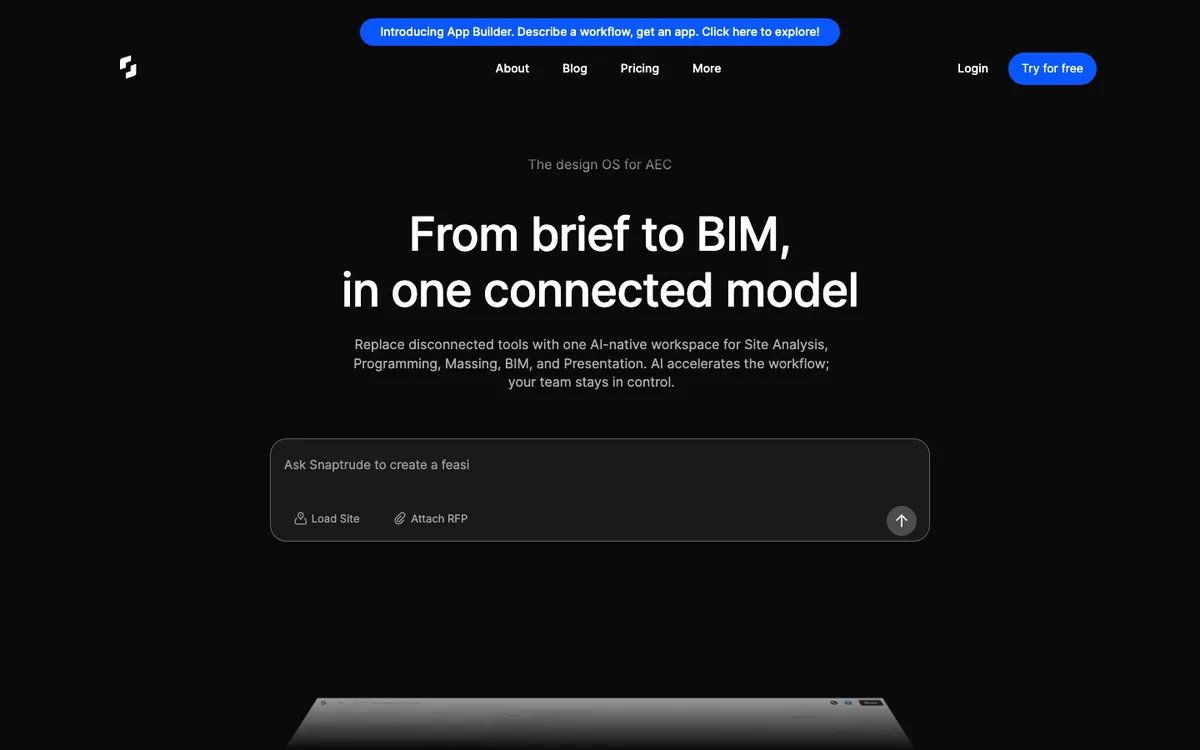
Snaptrude builds a programme from a prompt or an uploaded RFP, then turns early massing into a BIM model. It is browser-based, and its homepage calls the result "brief to BIM".
Output: a BIM model. Snaptrude lists Revit and Rhino export, including .rvt files.
Best for: teams that want a BIM model very early and plan to finish in Revit.
Price: free for three projects. Individual costs $60 a month. Organization costs $100 a month billed annually (Snaptrude pricing).
3. TestFit: best for site test fits, parking and unit mix
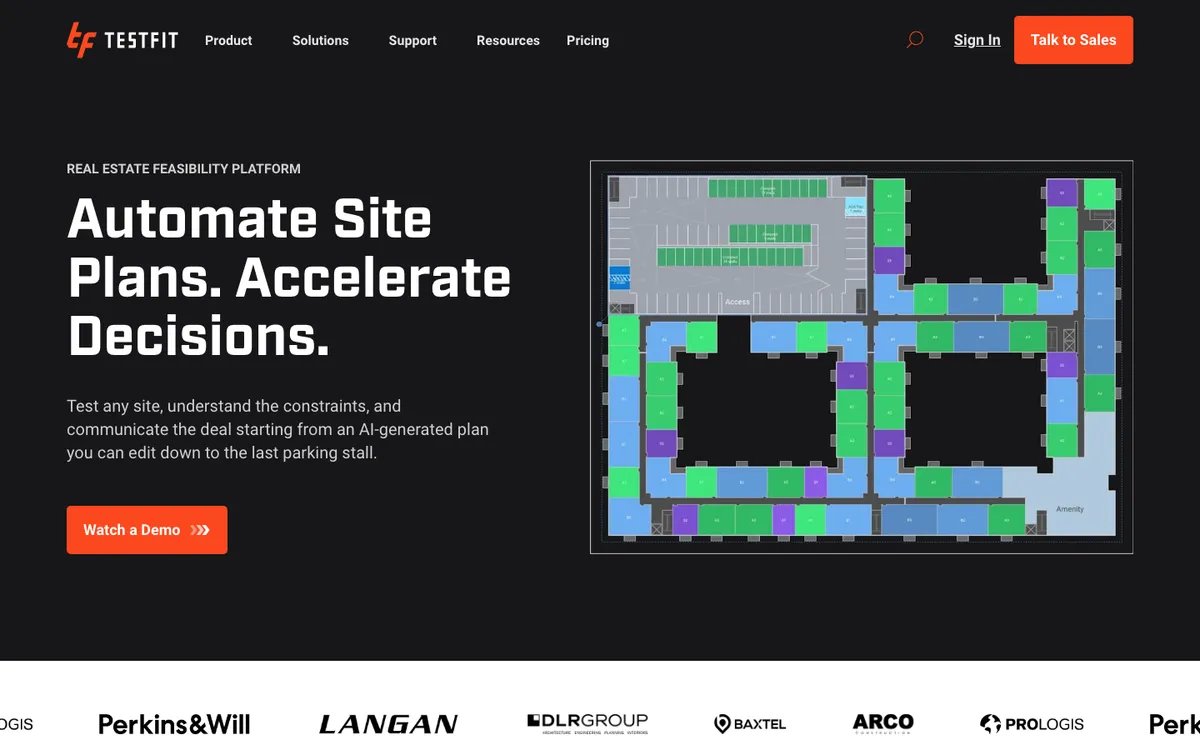
A test fit checks how much building, parking and housing a site can hold. TestFit generates site plans against a parking and unit-mix target, then lets you edit the result. Generative design is only available in the Site Solver subscription.
Output: editable site plans with parking counts, unit mix and quantity takeoffs. TestFit's homepage says it exports to AutoCAD, SketchUp, Excel or PDF and pushes layouts to Revit.
Best for: architects working with developers on multifamily or mixed-use feasibility. TestFit's support site says it is an app you install on a Windows PC or a Mac, with web features at app.testfit.io, and it connects to Revit and SketchUp through add-ins (TestFit support).
Price: Parking Solver costs $195 a month. Site Solver starts at $15,000 a year (TestFit pricing). The pricing page does not mention a free trial.
4. Finch: best for residential unit layouts in Rhino or Revit

Finch has a web app and connects to Rhino, Revit and Grasshopper. Rhino and Revit use plug-ins, and Grasshopper uses a Finch component. It optimises unit mix and circulation, and generates floor plans on its top tier.
Output: floor plans and BIM geometry. Finch's docs call the Rhino connection a live continuous sync and the Revit connection one-way. You upload a mass and download a BIM model.
Best for: housing designers who already work in Rhino, Grasshopper or Revit.
Price: a free plan, then Basic at €79 a month with a 14-day trial. AI floor plan generation is only in Enterprise, from €14,500 a year for three seats (Finch pricing).
5. Synaps: best for turning an existing plan or brief into an editable drawing
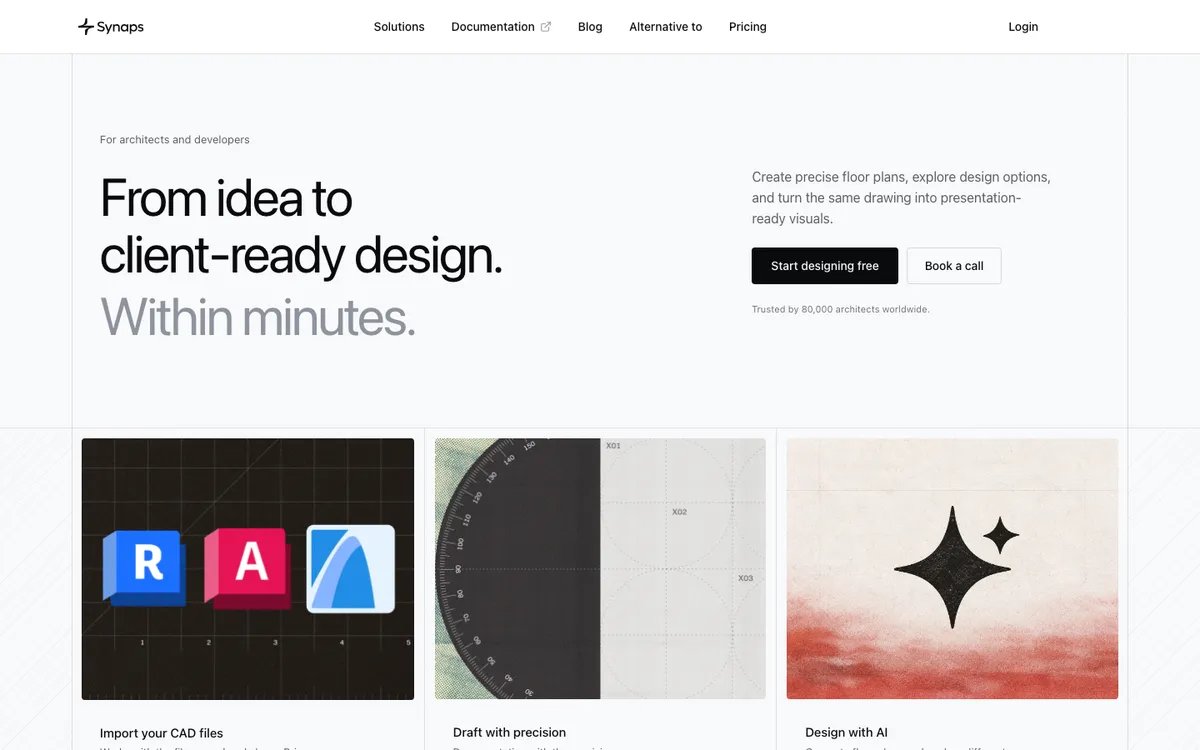
Synaps is the product behind this article. It runs in the browser and focuses on the first drawing of an everyday building.
You can trace a PDF, scan or photo of an existing plan into editable walls and openings. Source quality decides how much cleanup you do. Synaps offers manual tracing for messy inputs. You can also describe a brief and get several editable layout options to compare (floor plan generation).
Output: editable 2D drawings with precise drafting tools, plus AI renders that follow the plan. The generator does not size structural members, so the architect still reviews every layout. Some of these features are still rolling out, so check what your account includes today.
Best for: small and mid-sized practices that start from an old plan or a client brief and want to keep drafting in one place.
Price: €59 per editor a month on Pro, which includes DXF import and export (Synaps pricing).
Tools that give you images
These tools produce visuals for concept and client review. Their output is a picture, so any design change still happens in your drawing or model.
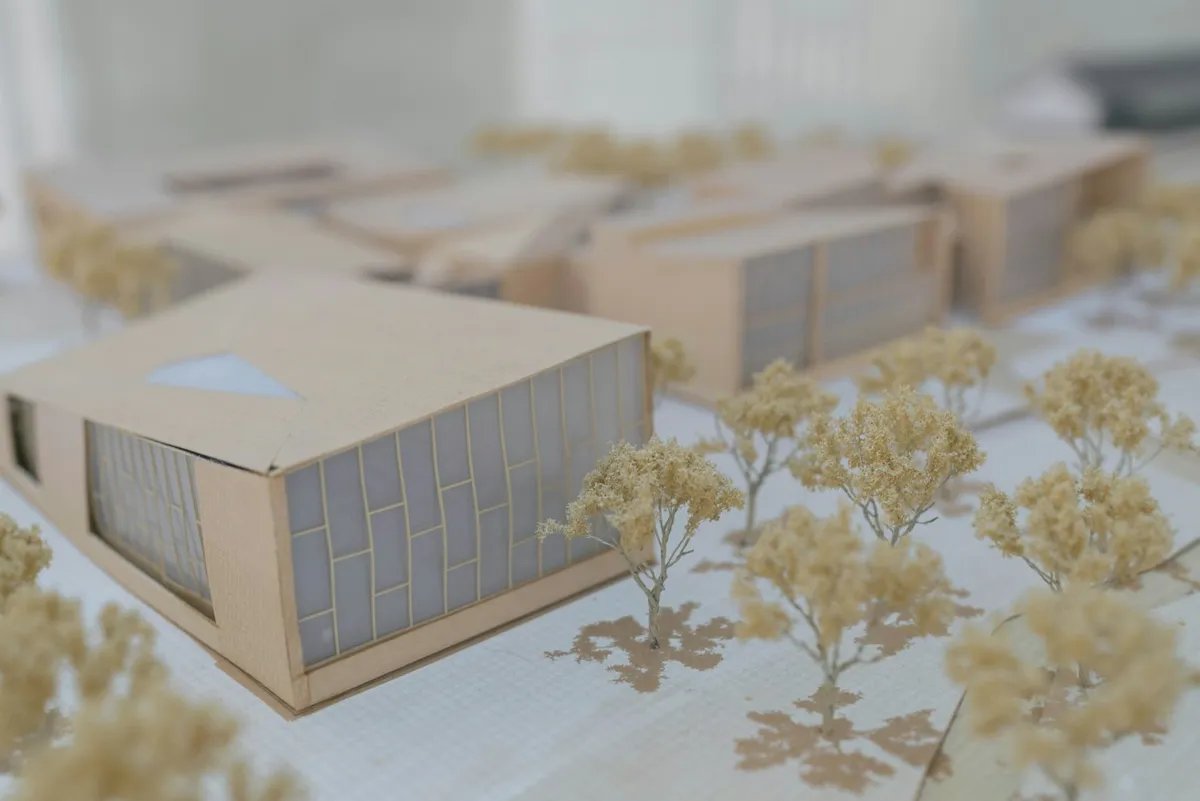
6. Chaos Veras: best for AI renders inside your modelling tool
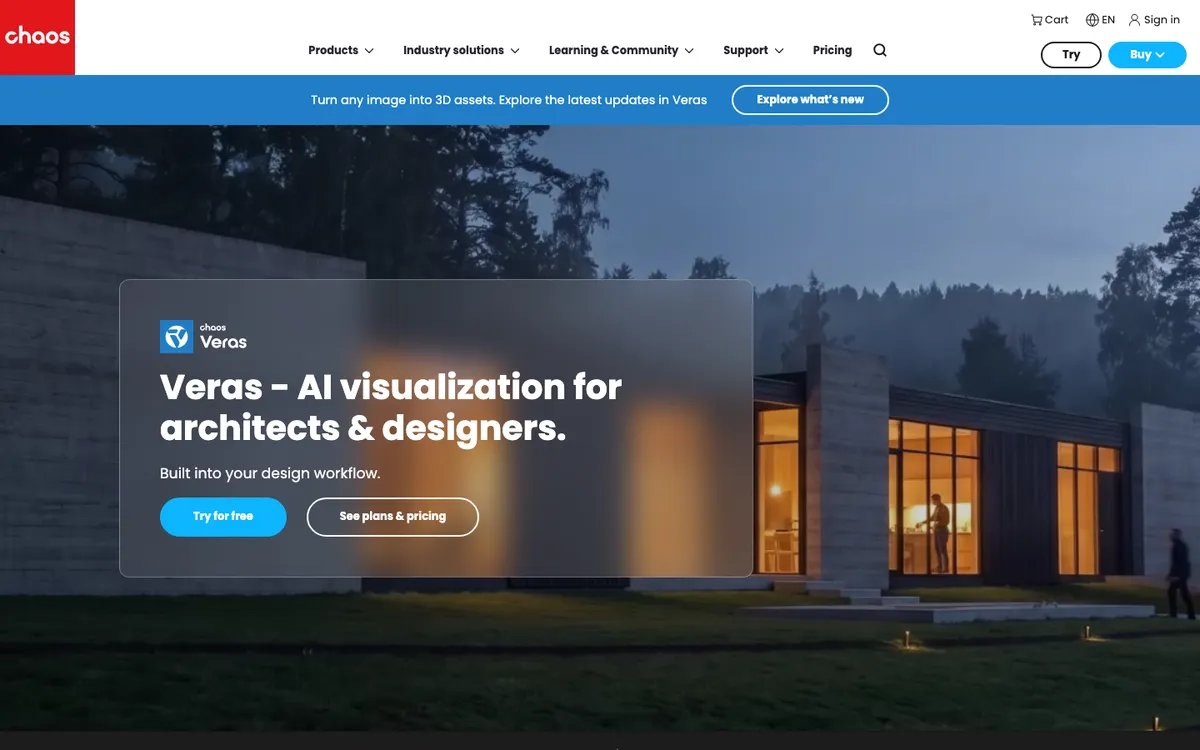
Veras turns a sketch or a 3D model view into rendered images and short videos. It is available in Revit, SketchUp, Rhino, Archicad, Vectorworks, Forma and Allplan, and as a web app.
Output: images and video. Veras 5.0 added Image to 3D. It matches an image to the closest asset in the Chaos Cosmos library and places it in Revit, SketchUp or Rhino.
Best for: exploring materials and facade options on massing you already modelled.
Price: Starter costs $16.90 a month, billed annually at $202.80, with 500 credits. Pro costs $348 a year. There is a 14-day trial with 100 credits (Chaos Veras). Chaos calls this pricing an introductory offer.
7. D5 Render: best for real-time rendering with AI assets
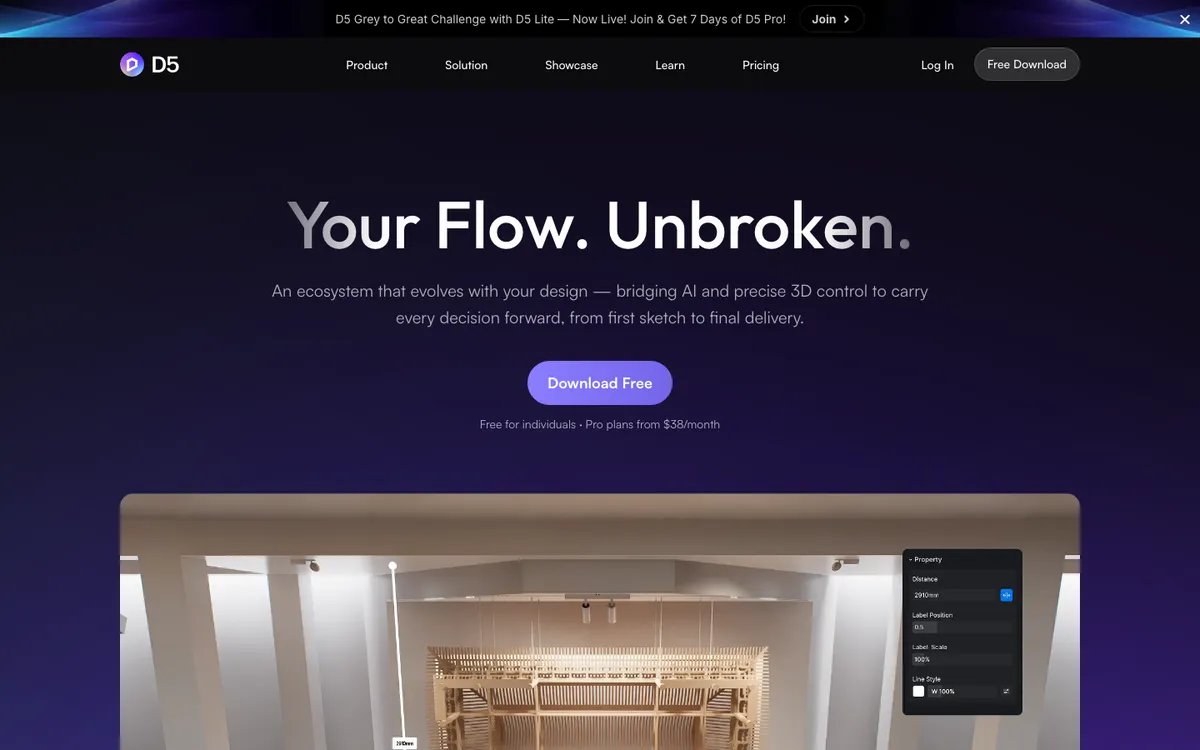
D5 Render is a real-time renderer. It lists more than ten AI features, including an AI Agent, model generation from text or images, and material tools.
Output: 4K stills, 60fps videos, interactive panoramas and virtual tours, plus AI-generated textures and 3D models.
Best for: Windows users who want real-time walkthroughs plus AI helpers in one tool. D5 lists Windows 10 as its operating system requirement (D5 specs).
Price: the free Community plan is for non-commercial use only. Pro costs $360 a year, about $30 a month, or $38 month to month. Teams costs $708 per seat a year, about $59 a month, or $75 month to month, with a minimum of two seats (D5 pricing guide).
8. Midjourney: best for concept and mood images
Midjourney is a general image generator that runs on the Midjourney website and on Discord. Architects use it for mood boards and early concept images.
Output: images and short videos. There is no drawing, model or scale.
Best for: early mood and material direction before any geometry exists.
Price: Basic costs $10 a month, and plans go up to $120 a month. Companies with more than $1 million in yearly revenue must use Pro or Mega (Midjourney plans).
AI already inside the software you pay for
Check your current licence before buying a new tool. Three common desktop tools now include AI features, some still in beta or preview.
Built-in AI in Archicad, Revit and SketchUp: best for teams that already own these tools
- Archicad: the AI Assistant, in beta, answers how-to questions and selects elements from plain language. AI Visualizer 2.0 turns a model view or sketch into images. Both come with Archicad Studio and Collaborate plans (Graphisoft).
- Revit: Autodesk Assistant in Revit 2027 is a tech preview. The chat panel can query the model and run tasks such as creating a schedule (Autodesk AI).
- SketchUp: AI Render turns the viewport into images. Generate Object creates native geometry from text or an image. Monthly credits depend on the plan (SketchUp AI).
These features work on the model you already have. They do not trace or generate a floor plan for you.
AI tools for architects compared by output, platform and price
Prices were listed on vendor pages on 29 September 2026. Currencies follow each vendor's page.
| Tool | Best for | Output | Runs on | Handoff named by vendor | Starting price, and AI tier where it differs |
|---|---|---|---|---|---|
| Forma Site Design | Site and massing studies | Editable massing | Browser | Revit, IFC, OBJ, Rhino | $59/month billed yearly, $85 monthly |
| Snaptrude | BIM model from a brief | BIM model | Browser | Revit, Rhino | Free for 3 projects |
| TestFit | Parking and unit-mix test fits | Editable site plans | Windows and Mac app, with web features | Revit, AutoCAD, SketchUp, Excel, PDF | $195/month. Generative design from $15,000/year |
| Finch | Residential unit layouts | Plans, BIM geometry | Web app and plugins | Rhino, Revit | Free plan. AI floor plans from €14,500/year |
| Synaps | Existing plan or brief to drawing | Editable 2D drawings | Browser | DXF | €59/editor/month |
| Veras | Renders in your modelling tool | Images, video | Host apps and web app | Assets into Revit, Rhino, SketchUp | $16.90/month, billed yearly |
| D5 Render | Real-time rendering | Renders, AI assets | Windows | Not stated | Free non-commercial. $30/month billed yearly for commercial use |
| Midjourney | Concept images | Images, video | Website and Discord | None | $10/month |
| Built-in AI | AI in tools you own | Varies | Host app | Native | Included in some plans |
Where AI tools still fall short
Output quality is a common complaint from architects who already use AI. In the 2026 survey by Chaos and Architizer of about 800 respondents, 48% of AI users cited poor or inconsistent output. A separate 33% cited poor compatibility with their current software (Chaos). Chaos sells AI rendering, so read these as vendor-published figures.
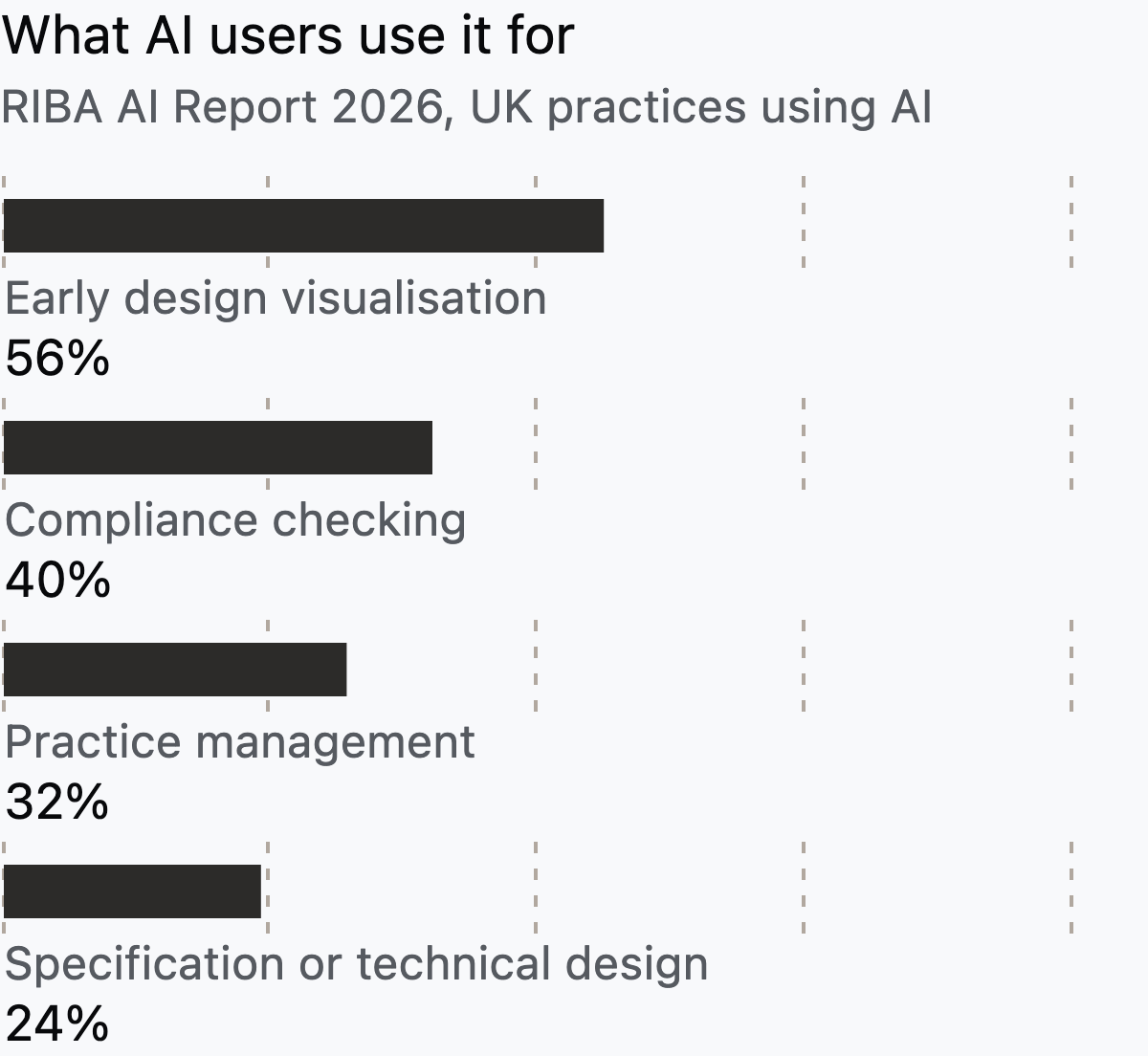
RIBA's task data shows where practices use AI. They use it most for early visualisation and least for specification and technical design.
Accuracy is a concern for most architects. In AIA's 2025 research, 94% of respondents were concerned about AI inaccuracy. Governance lags too. Only 19% of UK practices have a documented AI policy, per the RIBA figures summarised by Beale and Co.
These tools speed up drafting and visuals. The architect still owns every decision that reaches a client or a consultant.
How to test an AI tool on a live project
A demo shows the best case. One live project shows what you will actually get. Use the same five steps for every tool you shortlist.

- Pick one real input. Use an existing plan, a site or a brief from a current job, not a sample file.
- Time the first useful edit. Note how long it takes before you change a wall, an opening or a room and keep that change.
- Count the cleanup. Measure a few known dimensions and fix what is wrong. Record how many corrections you needed.
- Run one handoff. Export in the format your consultant or your next tool needs, then open it there. Check layers, scale and text.
- Decide on a second project. If the result entered a real review or handoff, test it again on a different building type.
Write the results down. A tool can save time on step 2 and still fail step 4. Then the work moves later instead of going away. For where an early-design tool sits next to CAD and BIM, see between AutoCAD and BIM.
How we selected these tools
We started from the tools named in the top-ranking "AI tools for architects" articles and in our own competitor research. We kept tools with a current product page, public pricing and a clear output type. We grouped them by output because that decides how much drawing work remains.
This is a research-based comparison, not a hands-on benchmark. We read each vendor's product and pricing pages on 29 September 2026 and did not run timed tests. Prices change often, so check the linked pages before you buy. Last updated 29 September 2026.
Synaps publishes this article and makes one of the tools listed. No other vendor paid for placement.
Frequently asked questions
Can AI replace architects?
No tool on this list designs a building for you. Generators return starting layouts or images, and an architect still reviews them. In the RIBA 2026 survey summarised by Beale and Co, 77% agreed that AI can never replace human creativity.
Is there a free AI tool for architects?
Yes, with limits. Snaptrude is free for three projects. Finch has a free plan without AI floor plan generation. D5 Render's Community plan is free for non-commercial work only. Forma, Finch and Veras also list free trials.
Do AI architecture tools work with Revit?
Several do. Forma Site Design sends proposals to Revit as native models. Snaptrude, TestFit and Finch name Revit as a handoff. Veras is available inside Revit. Test the round trip with your own template before relying on it.
Can AI generate a floor plan I can edit?
Some tools can. Finch on its Enterprise tier and Synaps return editable floor plans, though some Synaps features are still rolling out. Snaptrude returns a BIM model with editable plans. TestFit returns editable site layouts. Image generators such as Midjourney cannot, because their output has no walls, scale or dimensions.
Choosing your first AI tool
Start from the job you repeat most. Do you redraw existing plans or start many small projects from a brief? Then test a tool that returns editable drawings, such as Synaps, or Snaptrude if you need a BIM model early. If you need client visuals from a model you already have, try Veras or D5 Render. If you are deep in Revit, check Forma and the Autodesk Assistant first.
Whatever you pick, run the five-step test on one live job before you buy seats for the team. For more on how Synaps fits next to BIM, read why we're not trying to replace Revit.